For Spigot servers
Proximity voice chat and music, without mods
OpenAudioMc gives your community a way to talk and listen together in game. They never install anything, and you never run a voice server.
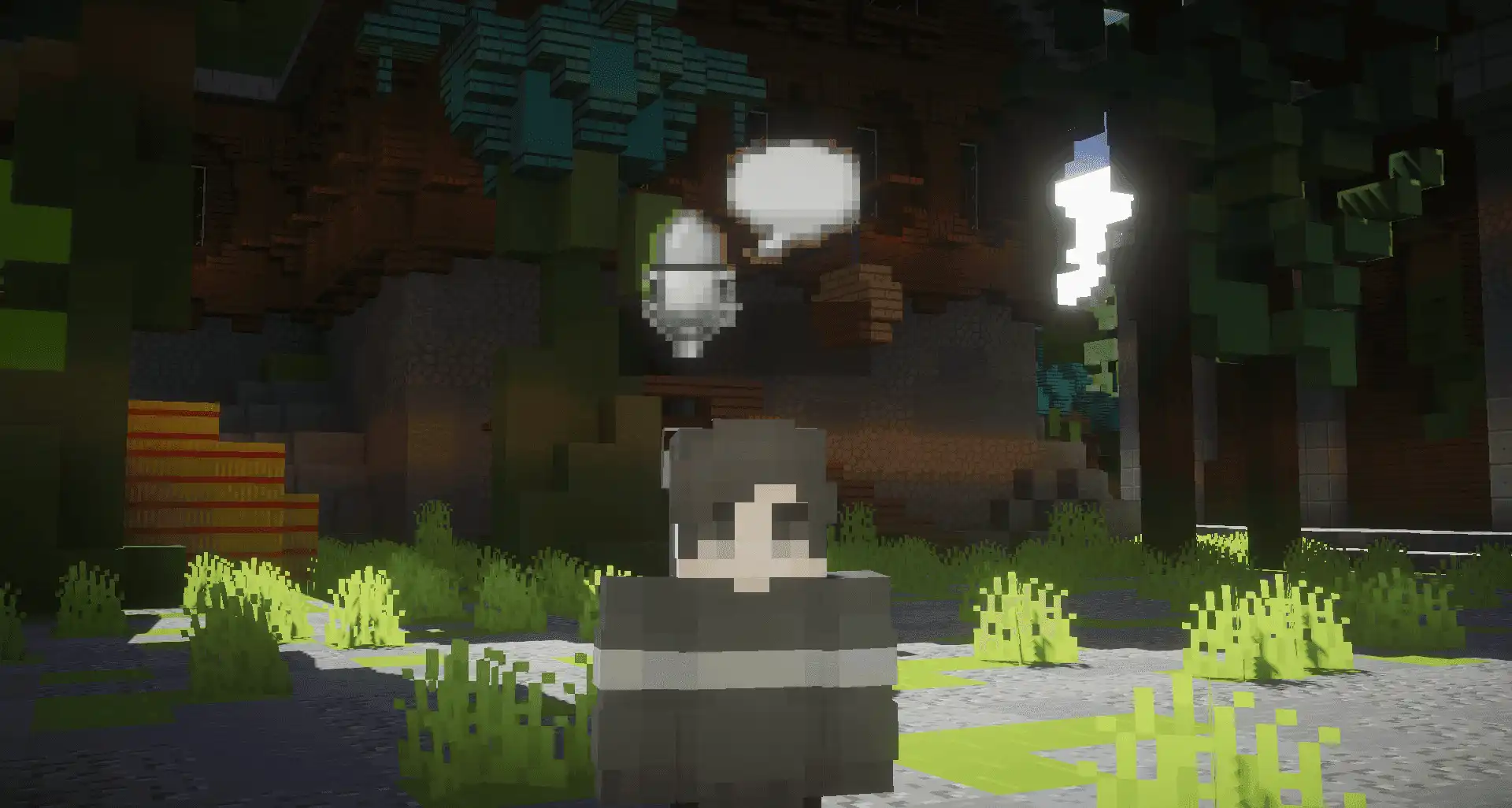
Proximity Voice Chat
Automatic location based voice chat with spatial client support, moderation features and more. All without mods. Players just need to open a link they receive when they join your server, and they're good to go.
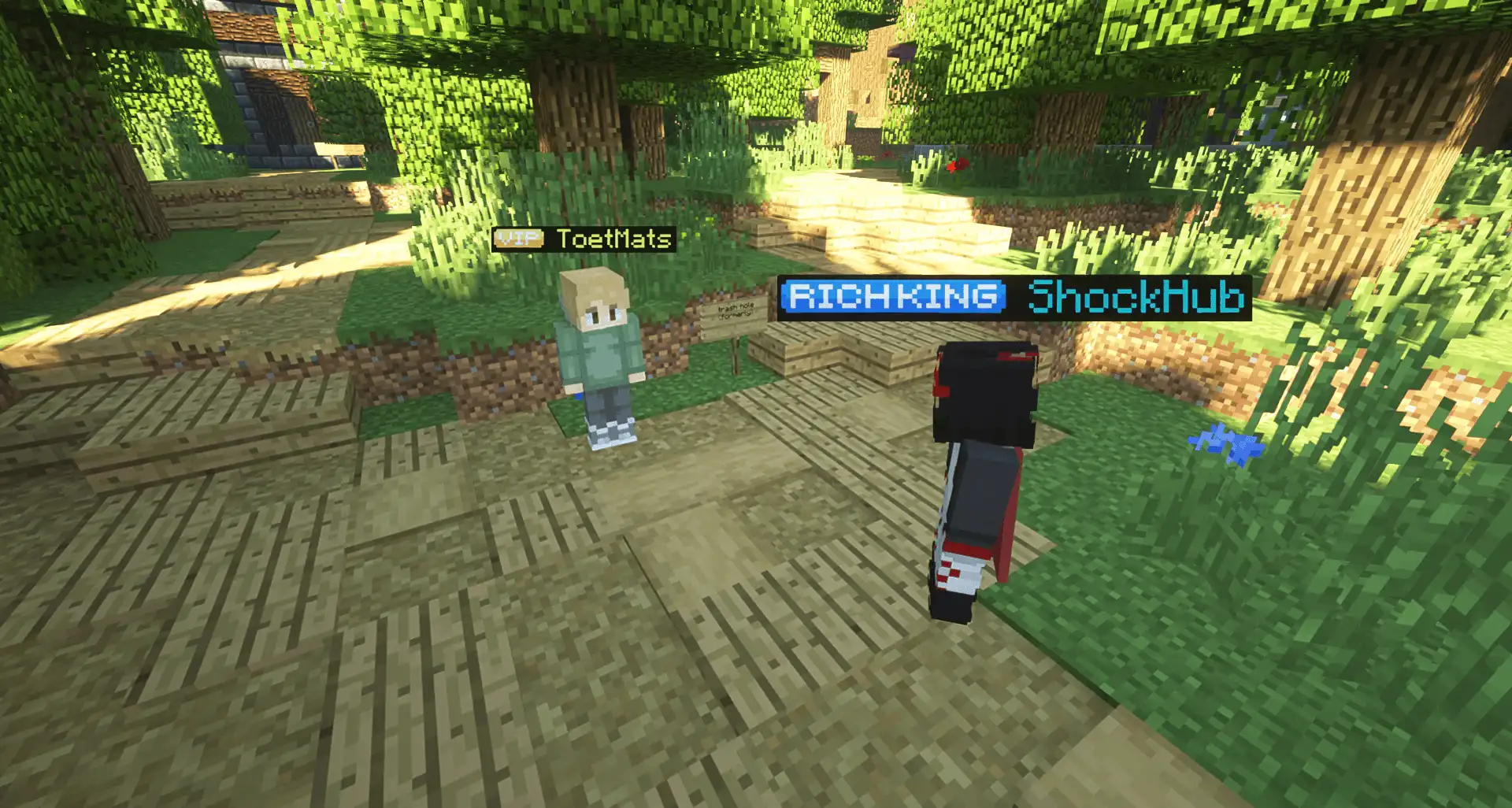
Free Tier Resources
We offer a free tier for small servers, with 200MB of storage, 10 voice slots and unlimited (fair use) audio slots. Both can be upgraded through a content creator form or a variety of patreon plans, to support the project.
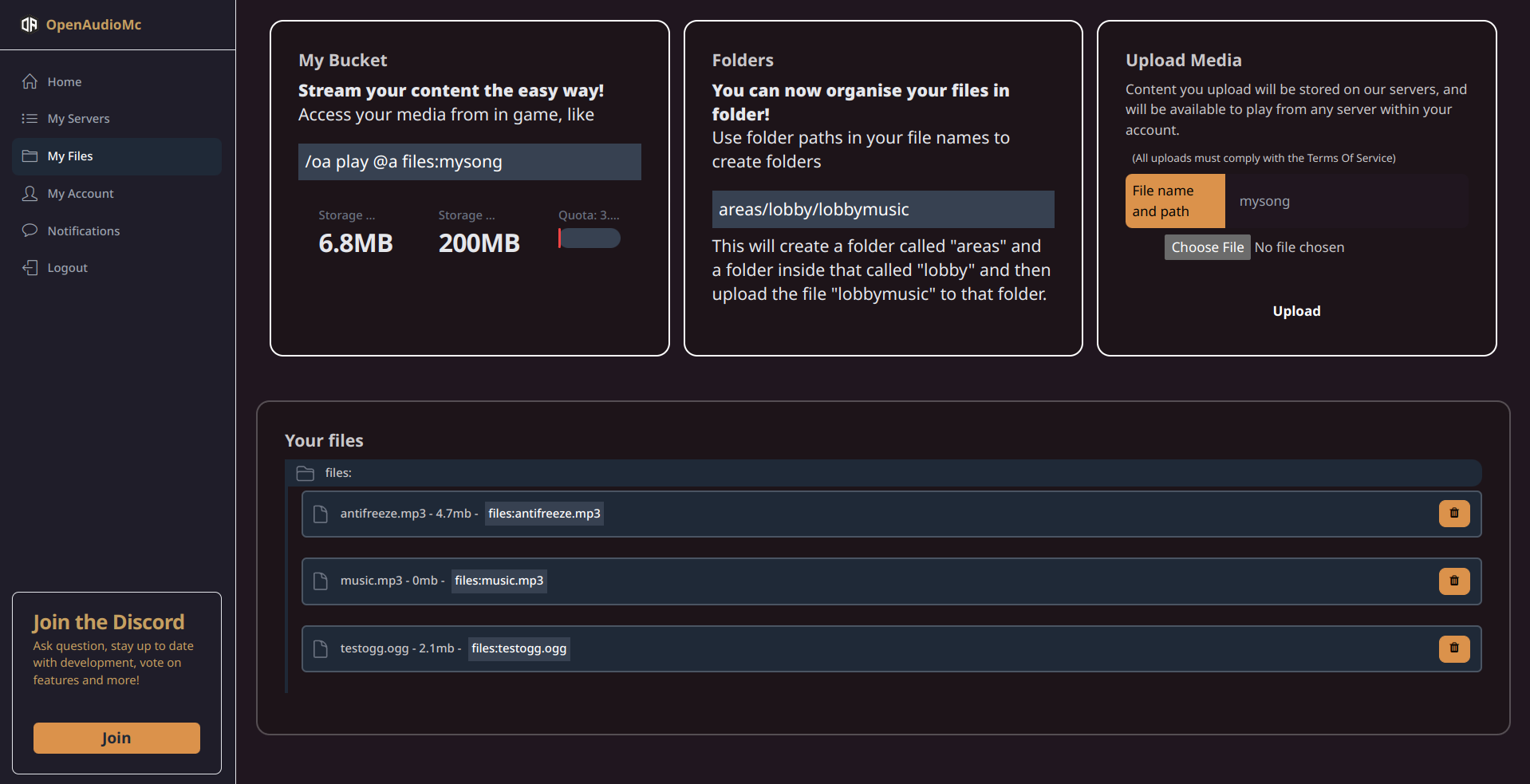
Simple customization and management
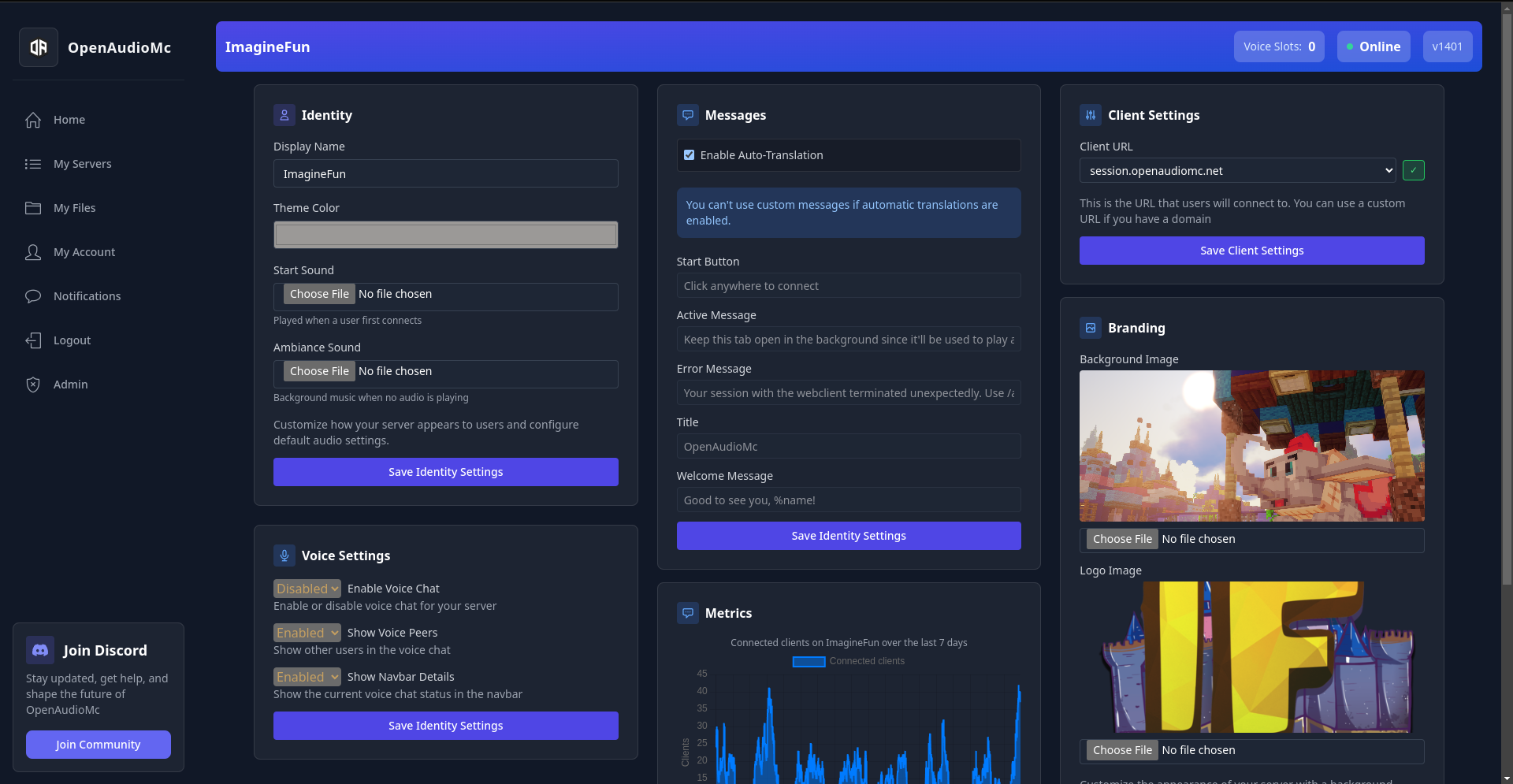
Installations linked to your account can easily be managed through the web interface. You can customize the look and feel of your client, upload your own music and sound effects, and more.
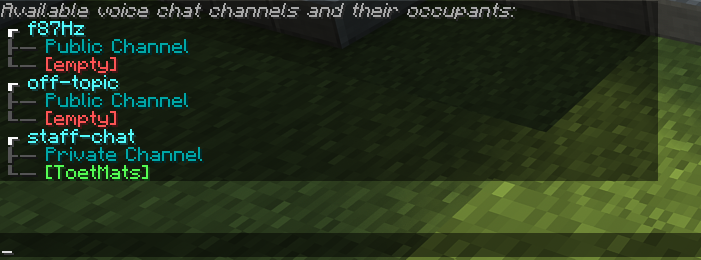
Voice Chat Channels
Create voice channels to let players talk to each-other privately or in groups throughout your entire server. You can lock certain channels behind permissions, let players create their own and customize all command messages.
Region Based Music
Assign music to specific World Guard regions or worlds, to add dynamic area music to different parts of your server.

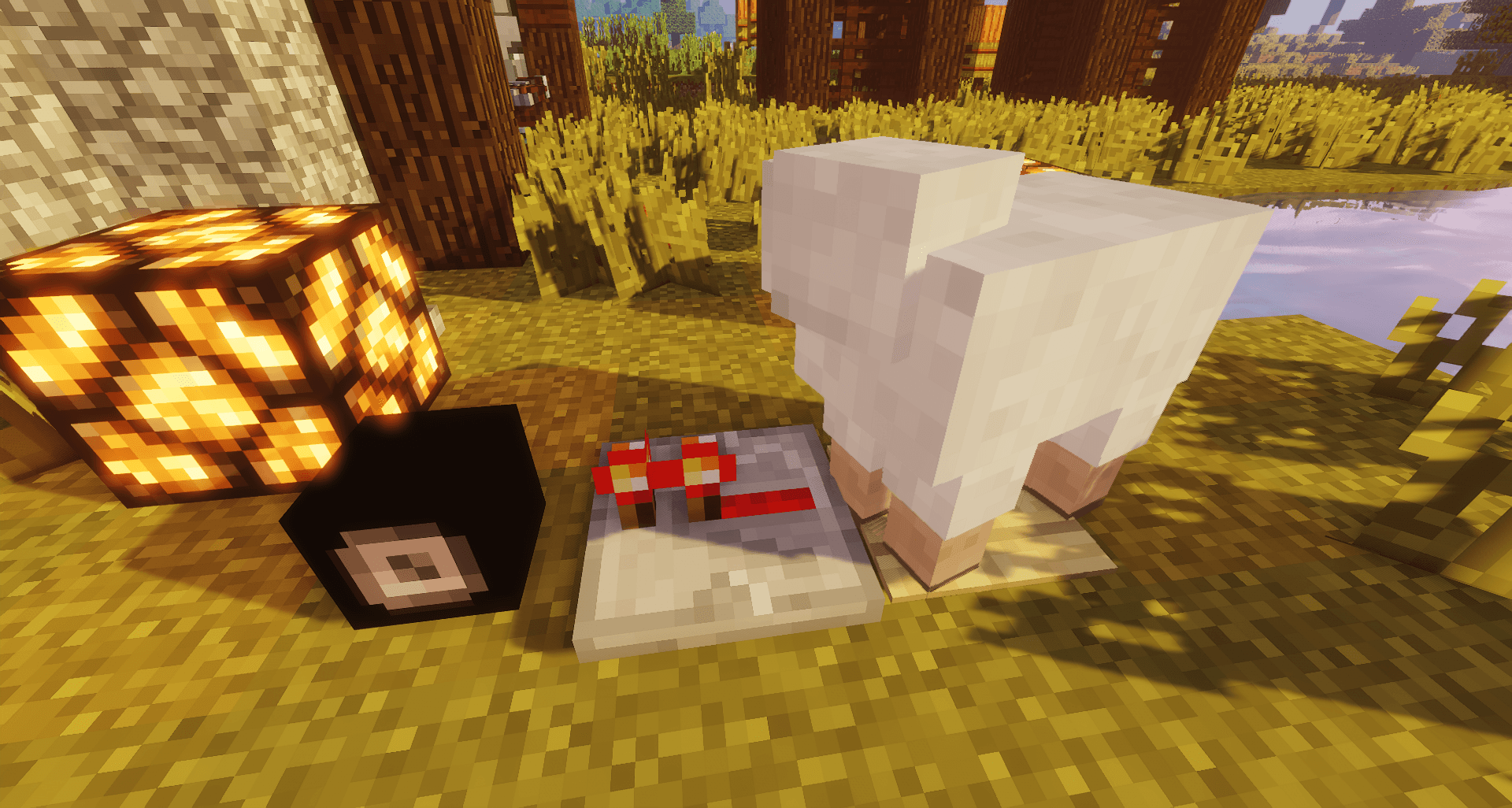
Speakers
Place speakers throughout your world, to play spatial music/effects emmitting from a block.
Questions
Before you install
Bungeecord and Velocity
Install the plugin on your proxy and on every sub server. Make sure the proxy has the permissions it needs and you are done.
How do I install the plugin?
Drop the jar into your servers, link your account and you are running. The full walkthrough lives in the installation guide.
How do players connect?
They run /audio in game and open the private link they get back. Nothing to install.
Can I get personal support?
Yes. Join the Discord and link your account to verify you own the server, then ask away.